eLearning System Knowledge Quiz
Take the eLearning Quiz
Test your knowledge of eLearning systems based on the article content.
What is the key difference between an eLearning system and watching YouTube videos?
Which of these is NOT a core component of an eLearning system?
Who commonly uses eLearning systems?
What is the most important factor when choosing an eLearning system for your business?
What is an LMS?
Ever signed up for an online course and wondered how all the videos, quizzes, and progress tracking actually work behind the scenes? That’s the eLearning system at work. It’s not just a website with videos. It’s a full digital environment built to teach, track, and support learning without needing a physical classroom.
What exactly is an eLearning system?
An eLearning system, also called an e-learning platform or learning management system (LMS), is software that lets organizations deliver, manage, and track education online. Think of it like a digital classroom that never closes. You can log in from your phone, tablet, or computer and find lessons, assignments, tests, and feedback-all in one place.
It’s not just about watching videos. A real eLearning system includes tools for instructors to upload materials, set deadlines, grade assignments, and see who’s falling behind. For learners, it means structured paths, progress bars, certificates, and sometimes even live chats with teachers or classmates.
Popular examples include Moodle, Canvas, Google Classroom, and Teachable. These aren’t just websites-they’re full platforms built to handle thousands of users at once, with security, reporting, and mobile access built in.
How does it differ from just watching YouTube videos?
YouTube is great for quick tips, but it doesn’t help you learn systematically. An eLearning system does. Here’s how:
- Structured content: Lessons are organized in order, so you don’t skip ahead or miss basics.
- Assessments: Quizzes and assignments check if you actually understood the material.
- Progress tracking: You can see how far you’ve come and what’s left.
- Feedback and grading: Instructors give comments, not just likes or comments.
- Completion certificates: Many systems issue official records you can share with employers or schools.
Watching a free video on Python programming won’t tell you if you got the code right. An eLearning system will run your code through an auto-grader, show you where you made a mistake, and let you try again. That’s the difference between passive viewing and active learning.
Who uses eLearning systems?
They’re not just for students. Different groups use them in different ways:
- Schools and universities: Use them to supplement in-person classes or run fully online degrees.
- Companies: Train employees on safety rules, software, or customer service without pulling them off the job.
- Government agencies: Teach public servants new policies or compliance rules.
- Nonprofits and NGOs: Deliver literacy or health education in remote areas.
- Individual learners: People taking up new skills like graphic design, accounting, or languages on platforms like Udemy or Coursera.
In New Zealand, for example, many adult learners use eLearning systems to upskill while working full-time. A nurse might take a course on new medication protocols. A teacher might learn how to use digital whiteboards. The system lets them learn on their schedule, not someone else’s.

What are the key parts of an eLearning system?
Most systems have five core pieces:
- Course content hub: Where videos, PDFs, slides, and interactive modules live.
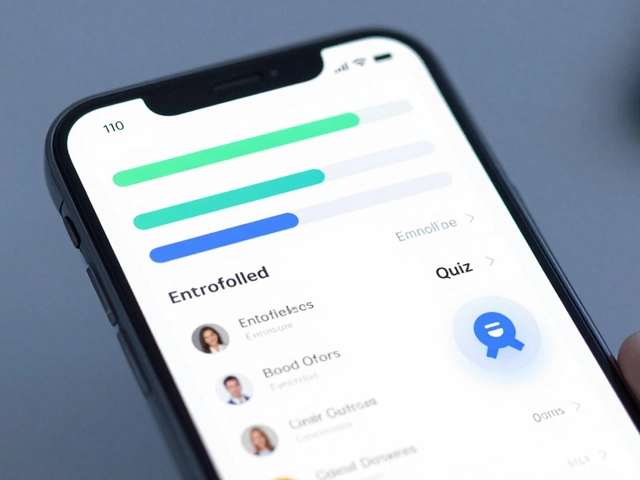
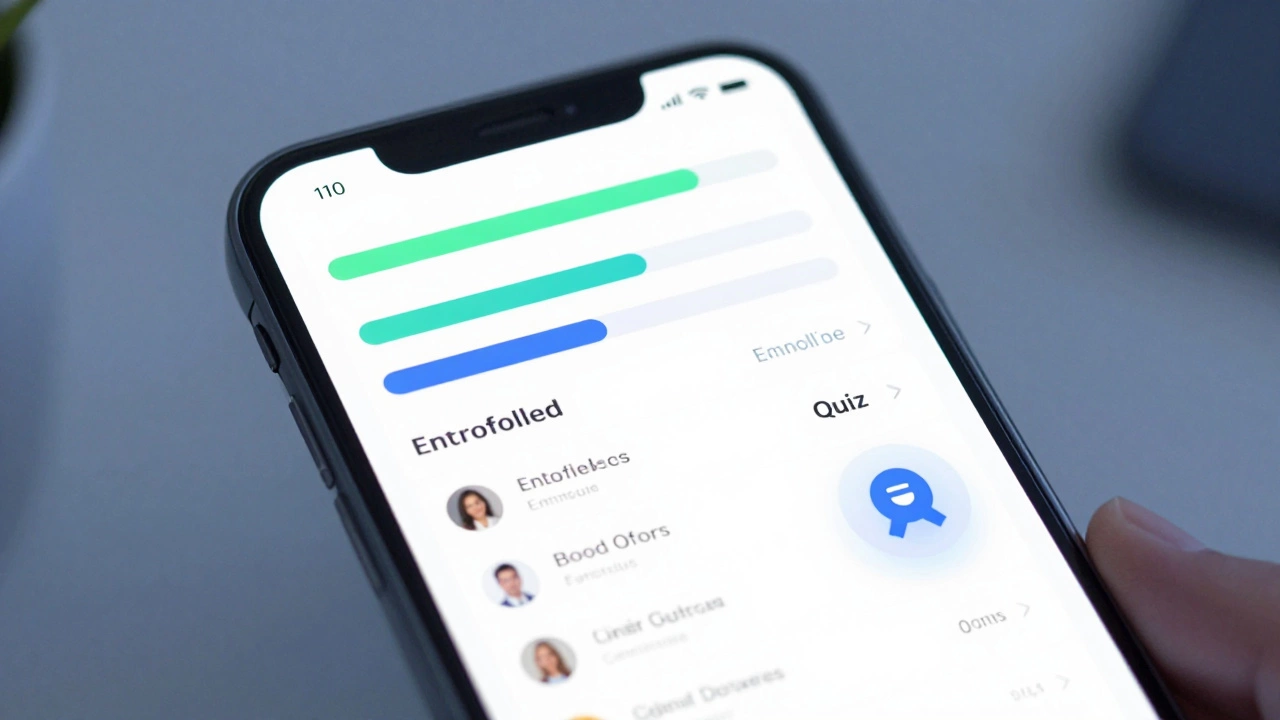
- User dashboard: Your personal homepage showing enrolled courses, due dates, and progress.
- Assessment tools: Quizzes, essays, peer reviews, and automated grading.
- Communication tools: Discussion boards, messaging, and sometimes live video sessions.
- Reporting and analytics: Admins see who completed what, how long they spent, and where most people struggled.
Some systems also include mobile apps, offline access, AI-powered recommendations (like “You liked this module, try this one”), and integrations with tools like Zoom, Google Drive, or Microsoft Teams.
Why do eLearning systems matter today?
After the pandemic, remote learning became normal-not optional. But even before that, demand was growing. In 2024, over 40% of adults in OECD countries used some form of online learning for work or personal growth, according to the OECD Education at a Glance report.
Why? Because life doesn’t wait. You can’t take three months off to learn Excel if your job suddenly needs it. An eLearning system lets you learn in 20-minute chunks during lunch, on the bus, or after putting the kids to bed.
They also make education more equal. Someone in rural Fiji or a small town in South Island can access the same course as someone in Auckland or Sydney. All they need is an internet connection.
What should you look for in a good eLearning system?
If you’re choosing one-for your business, school, or yourself-here’s what to check:
- Easy to use: No confusing menus. You should find your course in under 30 seconds.
- Works on mobile: Most learners use phones. If it doesn’t work well on small screens, skip it.
- Offline access: Can you download lessons for later? Crucial if you have spotty internet.
- Clear progress tracking: You should always know what’s next and how far you’ve come.
- Support: Is there help when you get stuck? Chat, email, or a knowledge base?
- Security: Are your grades and personal info protected? Look for HTTPS and data privacy policies.
Don’t get fooled by flashy designs. A system that looks pretty but crashes when 50 people log in at once won’t help anyone.
What’s the future of eLearning systems?
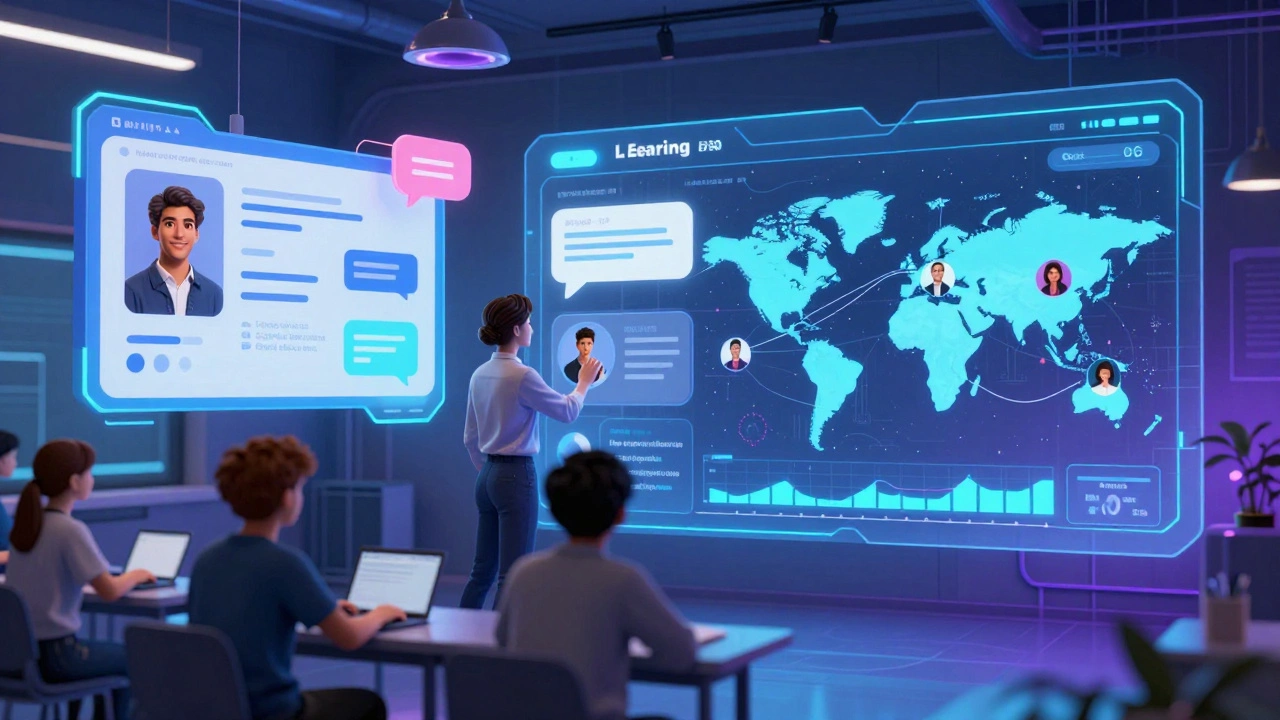
They’re getting smarter. AI now suggests personalized learning paths based on how fast you answer questions. Voice assistants help learners with disabilities navigate content. Virtual reality labs let medical students practice surgeries without risk.
By 2026, most eLearning platforms will use adaptive learning engines that change the difficulty of questions in real time. If you’re acing quizzes, the system gives harder problems. If you’re struggling, it slows down and reviews basics.
They’re also becoming more social. Group projects, peer feedback, and live study groups are now built in-not add-ons. Learning isn’t lonely anymore.
Is an eLearning system right for you?
If you want to learn something new-whether it’s coding, accounting, parenting skills, or how to use a new piece of equipment at work-then yes. But only if the system is designed well.
A bad eLearning system feels like a digital textbook you can’t read. A good one feels like a personal tutor who’s always available, remembers your mistakes, and pushes you just enough to grow.
You don’t need to be tech-savvy. You don’t need a fancy computer. You just need a reason to learn-and a system that makes it easy to follow through.
Is an eLearning system the same as an LMS?
Yes, they’re the same thing. eLearning system is the general term people use. LMS (Learning Management System) is the technical name. Think of it like calling a car a "vehicle" versus a "sedan." Both refer to the same thing, but LMS is the precise term used by schools and businesses.
Do I need to pay for an eLearning system?
Not always. Many schools and employers provide free access. Platforms like Google Classroom and Moodle are free to use if your institution sets them up. But if you’re buying one for your business or creating your own course, you’ll pay monthly fees-usually $10 to $50 per user per year, depending on features.
Can I use an eLearning system without internet?
Some systems let you download lessons, videos, and PDFs for offline use. But quizzes, submissions, and live sessions require internet. If you’re in an area with poor connectivity, choose a platform that supports offline downloads and syncs data when you reconnect.
Are eLearning systems secure?
Reputable platforms use encryption, secure logins, and follow privacy laws like GDPR or New Zealand’s Privacy Act. Always check if the provider mentions data protection. Avoid free platforms that ask for your credit card or don’t explain how they store your info.
Can I build my own eLearning system?
Yes, but it’s not easy. Open-source tools like Moodle or Chamilo let you install them on your own server. But you’ll need technical skills to set up, maintain, and update the system. For most people, using a hosted service like Canvas or Teachable is faster, cheaper, and more reliable.