Online Learning Platform Estimator
How Many Schools Use Zoom?
Based on 2026 data: 60% of live online classes globally use Zoom for video instruction.
For schools using both platforms: Zoom handles live sessions while Google Classroom manages assignments and grades.
When schools shut down in 2020, everyone rushed to find an online class platform that just worked. Three years later, the dust has settled. Today, in early 2026, one platform stands out as the most used for online classes-not because it’s the fanciest, but because it’s the one that stuck around for teachers, students, and parents alike.
Zoom is the real workhorse of online learning
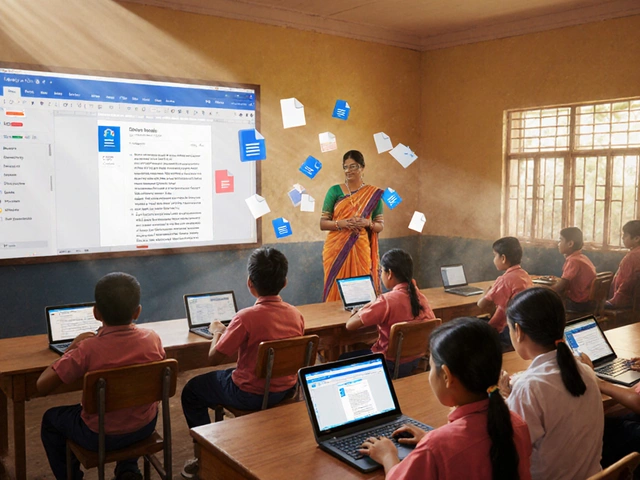
It’s not TikTok. It’s not YouTube. It’s not even a dedicated learning app. It’s Zoom. The video conferencing tool originally built for business meetings now runs over 60% of live online classes worldwide, according to data from the Global Education Monitoring Report 2025. In public schools across the U.S., India, Brazil, and even rural parts of New Zealand, Zoom is the default. Why? Because it’s simple. You click a link. You join. No login required for students. No training needed for grandparents helping with homework.
Teachers don’t need to learn a new system. They don’t need to upload lesson plans to a separate portal. They just open Zoom, share their screen, and teach. Attendance is tracked by who shows up. Breakout rooms work without plugins. Recordings auto-save to the cloud. And if the school already uses Zoom for staff meetings? That’s one less app to manage.
Even universities rely on it. A 2025 survey of 200 higher education institutions showed that 78% used Zoom as their primary live instruction tool-even those with their own LMS platforms. Why? Because nothing else matches its reliability across low-bandwidth connections. In places like Manila or Nairobi, where internet speeds are inconsistent, Zoom’s adaptive video quality keeps classes running.
Google Classroom is the backend, Zoom is the front door
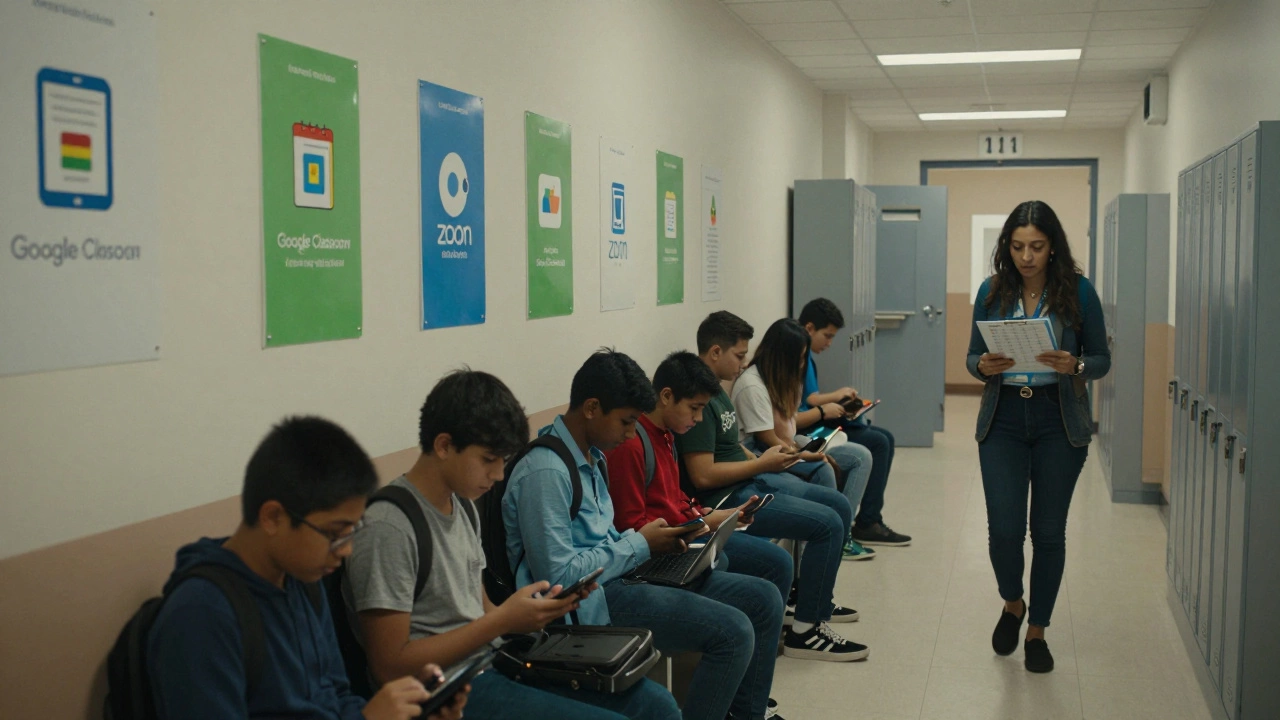
But Zoom doesn’t work alone. It’s usually paired with Google Classroom. While Zoom handles the live video, Google Classroom handles the homework, grades, announcements, and assignments. Teachers post a Zoom link in Classroom. Students submit assignments there. Parents check grades there. It’s the invisible glue holding the system together.
Google Classroom isn’t the most exciting platform. It doesn’t have quizzes with animations or AI tutors. But it’s free, integrates with Gmail and Drive, and works on any device-even old Android phones. Over 150 million students and teachers use it globally, making it the most widely adopted learning management system (LMS) in K-12 education.
Here’s how the two work together: Zoom for live interaction. Google Classroom for everything else. That combo is the standard in over 80% of public schools in North America, Europe, and parts of Asia.
Microsoft Teams Education is growing fast-but still behind
Microsoft pushed hard to replace Zoom with Teams Education, especially in schools that use Office 365. And it’s catching up. In 2024, Teams Education saw a 40% jump in usage, mainly in districts that already had Microsoft licenses. But adoption is slower because it’s more complex.
Students need a school email to log in. Parents can’t easily join meetings without an account. The interface is cluttered with tabs for chats, files, and calendars. For a 7-year-old trying to join math class, Zoom’s one-click link is far easier than navigating Teams’ menu system.
Still, Teams has advantages. It’s tightly integrated with OneNote for digital notebooks and Forms for quizzes. Some high schools and colleges prefer it because it fits into their existing Microsoft ecosystem. But it hasn’t dethroned Zoom as the go-to for live teaching.
Specialized platforms like Canvas and Moodle are for the pros
If you’re running a university course or a corporate training program, you might use Canvas or Moodle. These are full-featured LMS platforms with gradebooks, discussion boards, plagiarism checkers, and detailed analytics.
But here’s the catch: they’re not built for daily live classes. They’re built for managing content over weeks or months. You upload a video lecture. Students watch it on their own time. Then they take a quiz. There’s no real-time interaction unless you add Zoom or Teams on top.
Most K-12 teachers don’t have time to build courses in Moodle. They need to teach today, not design a curriculum for next semester. That’s why these platforms are common in higher education and corporate training-but rare in elementary and middle schools.
Why not YouTube or TikTok for classes?
You might wonder: why not just post videos on YouTube? Or use TikTok for quick lessons? Because those platforms aren’t designed for two-way learning.
YouTube videos are passive. No one can ask questions. No teacher can see who’s paying attention. No one can get help if they’re stuck. TikTok clips are under 60 seconds. They’re great for quick tips, but not for teaching algebra or writing essays.
Also, schools have strict rules about student privacy. YouTube videos can be public. That’s a red flag for FERPA and GDPR compliance. Zoom and Google Classroom let teachers control who sees what. Student names don’t appear in public feeds. Recordings are only shared with enrolled users.
The hidden cost of free platforms
Many schools think Zoom and Google Classroom are free-and they are, up to a point. But there are limits. Free Zoom accounts cap meetings at 40 minutes. That’s fine for a 30-minute class, but not for a 75-minute biology lab. Schools that need longer sessions pay for Zoom’s Education plan: $15 per teacher per month.
Google Classroom is free, but it requires Google Workspace for Education. That’s free for schools, but if you’re a homeschooling parent or a private tutor, you’ll need to pay for Google One or a business plan to get the same features.
These costs add up. A school with 50 teachers could spend $9,000 a year on Zoom licenses alone. That’s why many districts negotiate bulk deals or rely on government funding to cover the fees.
What’s next for online learning platforms?
AI tutors are coming. Tools like Khanmigo and Duolingo Max are starting to offer real-time help during lessons. But they’re still supplements-not replacements. No AI can replace a teacher reading a student’s confused face on a tiny screen and saying, “Let’s go back to step one.”
Hybrid learning is here to stay. Students will keep joining classes from home, even after the pandemic. And the tools that survive won’t be the ones with the most bells and whistles. They’ll be the ones that are simple, reliable, and work on a $50 tablet with spotty Wi-Fi.
For now, Zoom and Google Classroom are the unbeaten team. They’re not perfect. But they’re the ones that got the job done-again and again-when it mattered most.
Is Zoom still the most used platform for online classes in 2026?
Yes. Zoom remains the most used platform for live online classes in 2026, especially in K-12 schools and public institutions. It’s used by over 60% of schools globally because it’s simple, reliable, and works on low-bandwidth connections. While other tools like Microsoft Teams and Google Classroom are popular, they usually support Zoom rather than replace it.
Why do schools use Google Classroom with Zoom?
Google Classroom handles assignments, grades, and announcements, while Zoom handles live video teaching. Together, they cover the full teaching cycle: instruction (Zoom) and administration (Classroom). Teachers don’t need to juggle multiple systems. Students know where to find their homework and when to join class. The combination is seamless and requires no extra training.
Can I use YouTube for online classes instead of Zoom?
Not for live classes. YouTube is great for posting recorded lessons, but it doesn’t allow real-time interaction. Students can’t ask questions during the video, teachers can’t see who’s paying attention, and there’s no way to run breakout sessions or polls. For live teaching, you need a two-way platform like Zoom or Teams.
Is Microsoft Teams better than Zoom for online classes?
Not for most schools. Teams has better integration with Office tools and more security features, but it’s harder for students and parents to use. It requires logins, has a cluttered interface, and doesn’t work as well on low-end devices. Zoom’s one-click access and reliability make it the preferred choice for daily classroom use.
Do I need to pay for Zoom to teach online classes?
Not if your class is under 40 minutes. The free version of Zoom works for short lessons. But if you need longer sessions, group breakout rooms, or recording storage, schools typically pay for Zoom’s Education plan, which costs $15 per teacher per month. Many districts cover this cost through government grants or tech budgets.