
Mobile Learning Suitability Checker
Not every course works well on a phone. Select the features that describe your current learning situation to see if you should switch to a desktop or tablet.
Your Study Profile
Passive watching/listening
Articles, PDFs, textbooks
Essays, coding, long answers
Design, anatomy, spreadsheets
Reference + Video + Notes
Suitability Analysis
Select your options above to generate your mobile learning score.
Imagine this: you’re stuck on a delayed train, waiting in line at the grocery store, or just lying in bed before sleep. Instead of scrolling through social media mindlessly, you could be finishing that certification course you signed up for three months ago. It sounds like a dream scenario for busy professionals and students alike, but is it actually practical? Can you really learn complex subjects on a screen that fits in your pocket?
The short answer is yes. But the long answer depends entirely on how well your chosen eLearning platform is optimized for mobile devices. In 2026, mobile learning isn’t just a convenience; for many users, it’s the primary way they access education. However, not all platforms treat your smartphone as a first-class citizen. Some are just shrunk-down versions of desktop sites that frustrate you with tiny buttons and broken layouts. Others are built from the ground up to make learning on the go seamless.
Why Mobile Learning Is No Longer Optional
Gone are the days when taking an online course meant sitting rigidly at a desk for hours. The landscape of digital education has shifted dramatically. According to recent industry data, over 70% of learners now access their courses via smartphones at least once a week. This isn’t just about convenience; it’s about fitting education into the cracks of modern life.
Mobile learning allows for micro-learning sessions. You don’t need two uninterrupted hours to study. You can absorb a ten-minute video lecture while commuting, review flashcards during lunch, and complete a quiz before dinner. This fragmentation of learning time actually helps with retention because it prevents cognitive overload. Your brain gets regular, manageable bursts of information rather than one massive dump.
However, there is a catch. Not every subject translates well to a small screen. Trying to code a complex application or analyze detailed financial spreadsheets on a phone is painful and inefficient. So, before you commit to a fully mobile strategy, you need to understand what works and what doesn’t.
What Makes an eLearning Platform Truly Mobile-Friendly?
You might think any website that loads on Chrome or Safari is fine. That’s a mistake. A truly mobile-friendly Learning Management System (LMS) goes beyond simple responsiveness. Here is what you should look for:
- Dedicated Apps vs. Responsive Web: While a responsive website adapts to your screen size, a dedicated app often offers better performance, push notifications, and easier access to device features like cameras and microphones. Check if the platform has high ratings on the App Store or Google Play.
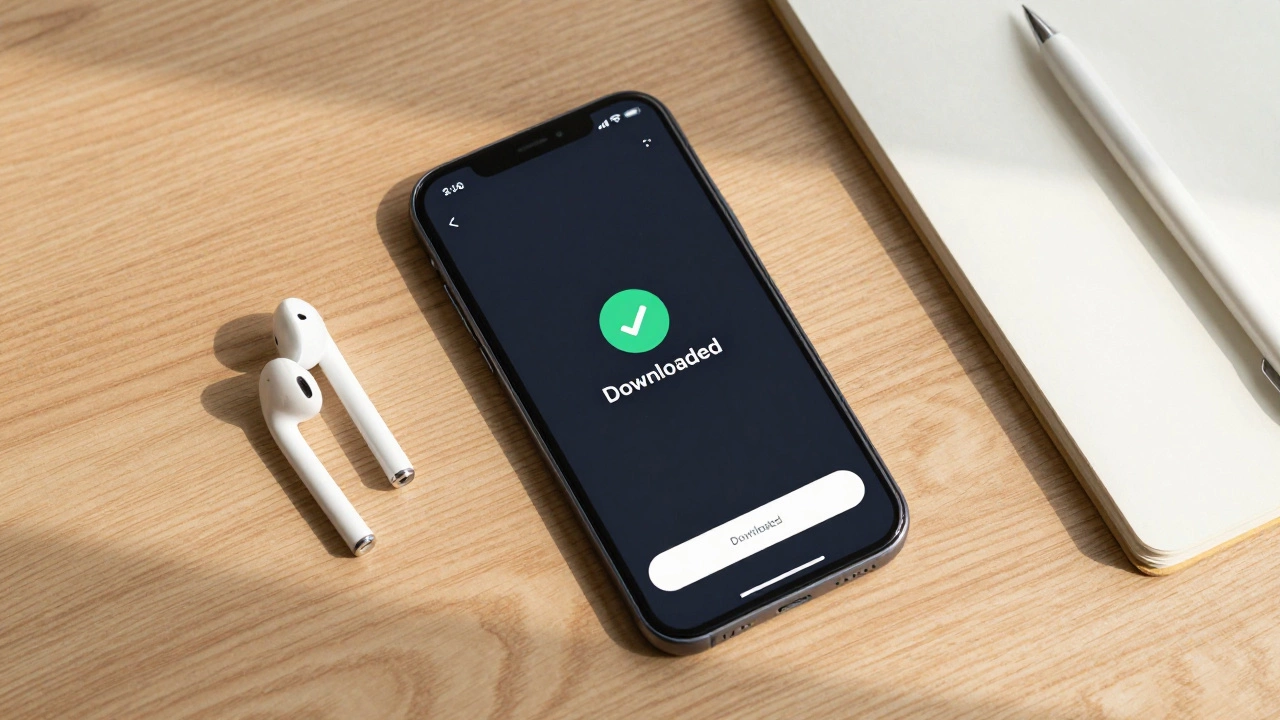
- Offline Access: This is non-negotiable for serious mobile learners. If you lose signal on the subway or want to save data, you need the ability to download videos and readings. Look for a clear “Download” button next to each lesson module.
- Touch-Optimized Interface: Buttons should be large enough to tap without zooming. Text inputs for quizzes shouldn’t require a physical keyboard. Navigation should be intuitive, usually involving swiping or bottom-bar menus rather than hidden hamburger menus.
- Fast Loading Times: Mobile networks can be spotty. A good platform compresses media efficiently so that a 1080p video doesn’t buffer for five minutes on 4G.
If you find yourself pinching to zoom, struggling to click a submit button, or watching endless loading spinners, the platform is failing you. Switch to one that prioritizes user experience on mobile devices.
Best Practices for Studying on a Small Screen
Even with the best app, studying on a phone requires different habits than desktop learning. Here is how to make it work effectively:
- Use Headphones: Most mobile learning involves video or audio. Using earbuds not only keeps your focus inward but also protects the privacy of those around you. It creates a personal bubble of concentration even in noisy environments.
- Break Content into Chunks: Don’t try to watch a one-hour lecture on your phone. Break it down. Watch one segment, pause, take notes, then move to the next. Your eyes will thank you.
- Leverage Voice Notes: Typing essays or long answers on a touchscreen is tedious. Use your phone’s voice memo app to record thoughts or answers to discussion prompts, then transcribe them later on a computer if needed.
- Enable Dark Mode: If you’re studying at night, dark mode reduces eye strain and saves battery life. Many modern eLearning apps support system-wide dark themes.
One pro tip: sync your progress across devices. Start a lesson on your phone during your commute, then pick up exactly where you left off on your laptop when you get home. Seamless syncing is a hallmark of a quality platform.
Limitations: When Your Phone Isn’t Enough
Let’s be realistic. There are scenarios where a phone simply won’t cut it. If your course involves heavy multitasking-like referencing a PDF textbook while watching a video and typing notes simultaneously-a phone’s limited screen real estate becomes a bottleneck.
Also, consider the type of content. Visual-heavy subjects like graphic design, architecture, or detailed anatomy benefit from larger screens where you can see fine details. For these topics, use your phone for theory and conceptual understanding, but reserve the hands-on practice for a tablet or desktop.
Additionally, some older or poorly designed platforms may block mobile browsers entirely, forcing you to use a desktop. Always check the platform’s compatibility page before enrolling. If they say “desktop only,” believe them.
| Feature | Mobile (Phone) | Desktop/Laptop |
|---|---|---|
| Portability | High - Learn anywhere | Low - Tied to power/outlet |
| Screen Real Estate | Limited - Good for single tasks | Abundant - Great for multitasking |
| Typing Experience | Poor for long texts | Excellent for essays/code |
| Offline Capability | Good (if app supports it) | Variable (depends on browser) |
| Distraction Level | High (notifications, calls) | Medium (email, tabs) |
Top Platforms Known for Strong Mobile Support
Not all platforms are created equal. In 2026, several leaders stand out for their mobile-first approach:
- Khan Academy: Their app is free, ad-free, and incredibly smooth. Perfect for foundational knowledge and K-12 subjects.
- Coursera & edX: These giants offer robust apps with offline downloading capabilities. They are ideal for university-level courses and professional certificates.
- Duolingo: The king of language learning on mobile. Its bite-sized lessons are designed specifically for short, frequent sessions.
- LinkedIn Learning: Excellent for professional development. The app integrates well with your LinkedIn profile and allows easy sharing of completed badges.
When choosing a platform, read recent reviews specifically mentioning the “mobile app.” User experiences change as apps update, so current feedback is more valuable than old blog posts.
Troubleshooting Common Mobile Learning Issues
Even with the best setup, things can go wrong. Here are quick fixes for common problems:
- Video Buffering: Lower the video quality settings within the app player. Switching from 1080p to 720p or 480p can drastically improve playback on slower connections.
- App Crashes: Clear the app cache or reinstall the app. Ensure your phone’s operating system is updated to the latest version, as older OS versions may not support newer app features.
- Login Loops: If you keep getting logged out, check your password manager or try logging in via the web browser instead of the app to reset your session.
Remember, technology is a tool, not a barrier. If your phone makes learning harder, switch to a tablet or computer for that specific task. Flexibility is key to consistent progress.
Is it possible to pass difficult exams using only my phone?
Yes, but it requires discipline. For multiple-choice questions and theoretical concepts, a phone is sufficient. However, for exams requiring extensive writing, coding, or complex calculations, you will struggle with the small keyboard and screen. Use your phone for preparation and review, but take the actual exam on a larger device if allowed.
Do I need Wi-Fi to use eLearning apps?
No, provided the app supports offline mode. Most major platforms like Coursera, Khan Academy, and Udemy allow you to download video lectures and reading materials while connected to Wi-Fi. Once downloaded, you can access them without an internet connection. Just remember to sync your progress once you reconnect.
Will learning on a phone damage my eyes?
Prolonged screen time can cause digital eye strain. To mitigate this, follow the 20-20-20 rule: every 20 minutes, look at something 20 feet away for 20 seconds. Use blue light filters or night mode settings on your phone, especially in low-light conditions. Take regular breaks to rest your eyes.
Are mobile eLearning courses cheaper than desktop ones?
The price of the course itself usually remains the same regardless of the device you use to access it. However, you might save money on data costs by downloading content over Wi-Fi and studying offline. Some platforms also offer mobile-exclusive promotions or lower-priced subscriptions for app-only users.
How do I stay focused on my phone while studying?
Turn on "Do Not Disturb" mode to silence notifications from social media and messaging apps. Use focus timer apps like Forest or Pomodoro timers to structure your study sessions. Keep your phone in a dedicated "study mode" by hiding distracting apps on your home screen.