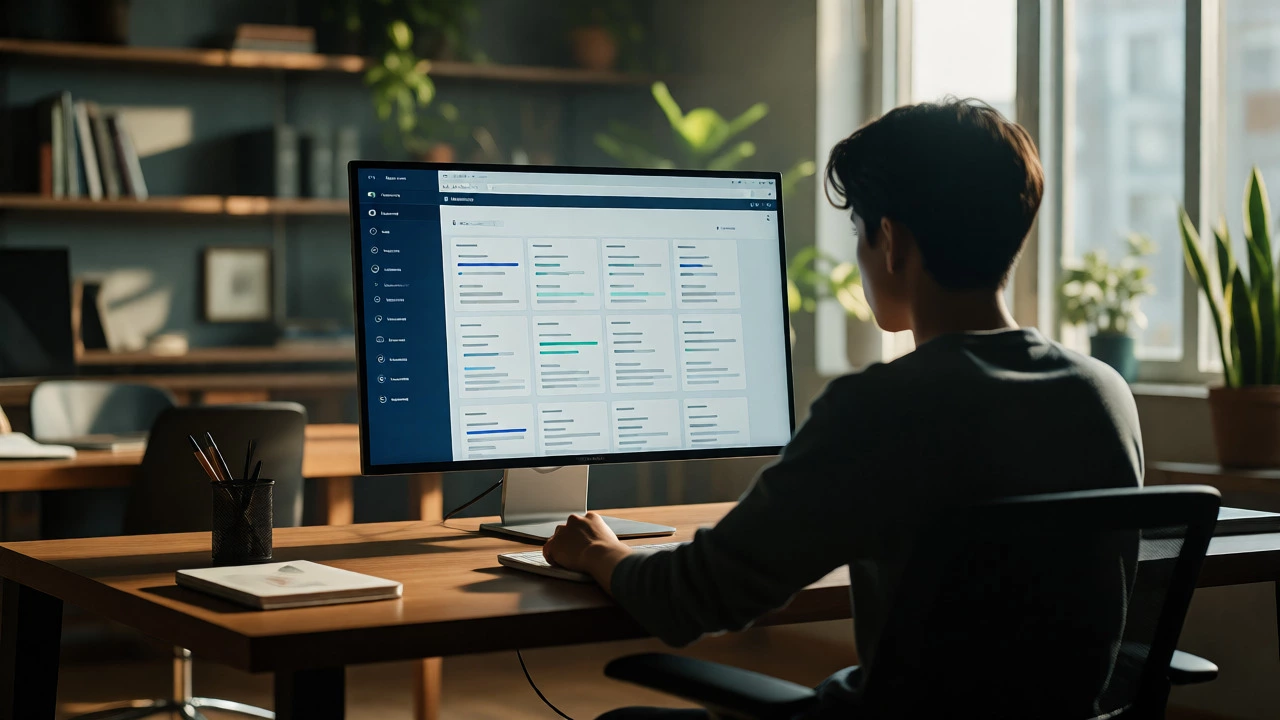
Distance Learning Workload Estimator
Estimate how many hours per week you need to dedicate to your studies. Distance learning requires high self-discipline; this tool helps you plan realistically to avoid burnout.
Course Details
Estimated Commitment
Schedule Advice
You might think distance learning is just watching recorded lectures on a laptop while sitting in your pajamas. That was true about ten years ago. Today, it’s a structured ecosystem of digital tools, human interaction, and self-discipline that can be more rigorous than traditional classrooms. If you are wondering how this actually functions day-to-day, you’re asking the right question. It’s not magic; it’s logistics.
The Core Mechanics: Asynchronous vs. Synchronous
At its heart, distance learning is an educational method where students and instructors are separated by physical space but connected through technology. The biggest shift in recent years has been the move toward asynchronous models, which allow you to engage with materials on your own schedule, rather than locking into fixed live sessions.
Think of it like streaming a movie versus going to the cinema. In a synchronous class (the cinema), everyone watches at 7 PM sharp. If you miss it, you lose out unless there’s a recording. In an asynchronous class (streaming), you watch when you have time, pause to take notes, or rewatch complex sections. Most modern programs use a hybrid approach. You might have one mandatory weekly video call for discussion, but all the heavy lifting-reading, assignments, quizzes-happens on your timeline.
| Feature | Synchronous Learning | Asynchronous Learning |
|---|---|---|
| Schedule | Fixed, real-time meetings | Flexible, deadline-based |
| Interaction | Immediate feedback via voice/video | Delayed feedback via forums/email |
| Self-Discipline | Lower (external structure) | Higher (internal motivation required) |
| Best For | Debate-heavy subjects, networking | Working professionals, global cohorts |
The Digital Campus: What Tools Do You Actually Use?
When you enroll, you aren’t just getting a PDF syllabus. You are gaining access to a Learning Management System (LMS). This is the digital hub where everything lives. Think of platforms like Canvas, Moodle, or Blackboard. These aren’t just file repositories; they are command centers.
Inside the LMS, you will find:
- Modules: Weekly breakdowns of topics, often locked until you complete previous steps.
- Gradebook: Real-time tracking of your progress so you know exactly where you stand before finals.
- Discussion Boards: Text-based forums where participation counts as attendance. This is crucial because it creates a written record of your critical thinking.
Beyond the LMS, you’ll likely interact with specialized tools. Coding classes might use GitHub or Replit. Design courses use Figma. Language learners might use Duolingo School or Zoom breakout rooms. The key is that these tools integrate. You shouldn’t have to log into five different sites to submit one assignment. If your program requires that, it’s poorly designed.
The Human Element: Who Are You Talking To?
A common fear is isolation. "Will I ever speak to a professor?" Yes, but differently. In a traditional lecture hall, you might never meet the lecturer. In distance learning, you often get more direct access because communication is written and tracked.
You typically interact with three types of people:
- Instructors/Faculty: They design the curriculum and grade major assessments. They usually hold "office hours" via video chat. Pro tip: Come prepared with specific questions. Vague emails get vague answers.
- Tutors/TAs: Teaching Assistants are your first line of defense for technical issues or minor concept clarifications. They respond faster than professors.
- Peers: Group projects are harder remotely but teach valuable remote-work skills. You learn to manage deadlines without someone hovering over your shoulder.
Communication norms change here. Email etiquette matters more. You need to be concise. Professors receive hundreds of messages a week. "Hi Professor, I’m confused about Module 3" gets ignored. "Hi Professor, I tried solving problem 3.4 using the formula from page 12, but my result differs. Here is my calculation..." gets answered.
Assessment and Integrity: How Do You Prove You Did It?
If you worry about cheating, you’re not alone. But distance learning institutions have adapted. We’ve moved away from simple multiple-choice quizzes that are easy to guess. Instead, assessment focuses on application.
Common methods include:
- Proctored Exams: Using software like Honorlock or Respondus Monitor, your webcam tracks eye movement and background noise during tests.
- Plagiarism Detection: Tools like Turnitin check your essays against billions of web pages. Originality reports are standard.
- Project-Based Grading: Building a portfolio, writing code, or creating a business plan. These are hard to fake and demonstrate actual competency.
Don’t underestimate the rigor. Many students find remote exams more stressful because technical glitches can derail you. Always test your internet connection and hardware a day before a big test. Have a backup plan, like a mobile hotspot, if your home Wi-Fi fails.
Time Management: The Hidden Curriculum
The hardest part isn’t the content; it’s the calendar. Without a bell ringing every hour, time slips away. Successful distance learners treat studying like a job. They block out time in their calendars. If you work full-time, you might study from 8 PM to 10 PM. If you’re a parent, you might wake up at 5 AM.
Create a routine. Study in the same spot every day. Your brain associates location with focus. Avoid studying in bed-it leads to drowsiness. Set boundaries with family or roommates. Tell them, "From 9 to 11, I am unavailable." Consistency beats intensity. Two hours daily is better than ten hours once a week.

Technical Requirements: What Do You Need?
You don’t need a supercomputer, but you do need reliability. Here is a baseline checklist for 2026 standards:
- Internet: Minimum 25 Mbps download speed. Upload speed matters too if you submit large files or join video calls.
- Hardware: A dedicated computer (laptop/desktop). Tablets are great for reading but terrible for typing essays or coding. Ensure you have a working microphone and webcam.
- Software: Updated browser (Chrome or Firefox), Office suite, and any specific course software installed beforehand.
Keep your OS updated. Security patches prevent crashes during critical moments. Back up your work automatically using cloud services like OneDrive or Dropbox. Losing a paper due to a hard drive crash is a classic student nightmare.
Is It Right For You?
Distance learning works best for self-starters who are comfortable with ambiguity. If you thrive on external structure and face-to-face social cues, it might feel lonely. However, the flexibility is unmatched. You can study from Wellington, New Zealand, while attending a university in London, without leaving your home.
Ask yourself: Can I stick to a deadline without anyone checking on me? Am I comfortable asking for help via email? Do I have a quiet space to focus? If yes, you are ready. The system is built for you; you just need to engage with it actively.
Do I need high-speed internet for distance learning?
Yes, but it doesn't need to be fiber-optic fast. A stable connection with at least 10-25 Mbps download speed is sufficient for most video lectures and file uploads. However, upload speed is equally important if you frequently submit large assignments or participate in live video seminars. Unstable connections cause lag and missed instructions, so consider a wired Ethernet connection if possible for stability.
How much time should I budget per week?
A general rule of thumb is 2-3 hours of independent study for every credit hour. So, a 3-credit course typically requires 6-9 hours per week outside of class time. This includes reading, assignments, and forum posts. Working professionals often underestimate this, leading to burnout near midterms. Block this time in your calendar immediately upon enrollment.
Are distance learning degrees respected by employers?
In 2026, the stigma has largely vanished. Employers care more about skills and accreditation than delivery method. Degrees from accredited universities carry the same weight regardless of whether they were earned online or on-campus. In fact, completing a degree while working demonstrates time management and digital literacy, traits highly valued in modern remote-work environments.
What happens if I fall behind?
Most programs have late submission policies, though penalties may apply. Communication is key. If you foresee a delay, email your instructor before the deadline. Many instructors offer extensions for valid reasons. Unlike traditional settings, you cannot simply skip a class and catch up later; missing modules can create knowledge gaps that affect subsequent weeks. Stay proactive.
Can I still network with other students?
Absolutely. While you won't bump into peers at the cafeteria, intentional networking is easier. Use LinkedIn to connect with classmates after introductions. Participate actively in discussion boards to showcase your expertise. Many programs also host optional virtual social events or group projects specifically designed to foster professional connections across time zones.