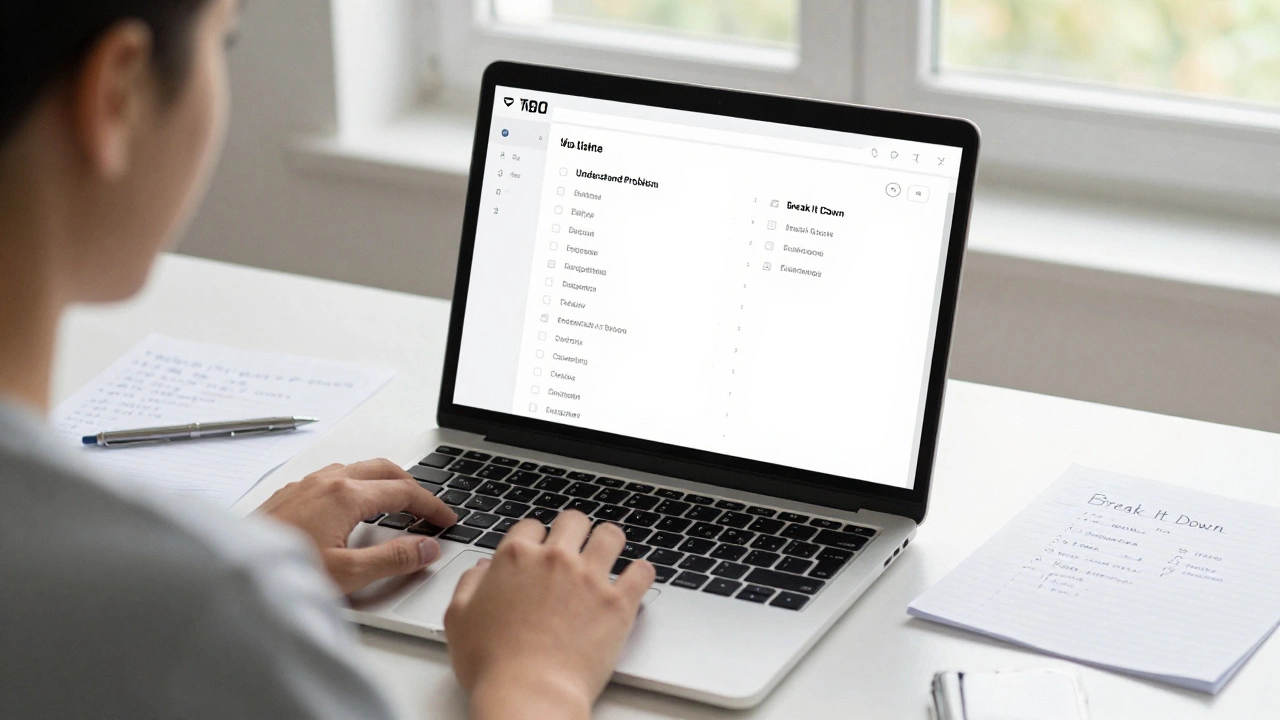
Coding Problem Decomposer
Break Down Your Coding Problem
Enter your project idea and get a step-by-step breakdown based on the 7-step coding process
Example: "A to-do list where users can add, complete, and delete tasks"
Your Step-by-Step Plan
(Step 1: Understand the Problem)
(Step 2: Break It Down)
(Step 3: Choose Tools)
(Step 4: Write Code)
(Step 5: Test and Debug)
(Step 6: Refine)
(Step 7: Repeat)
Ever sat down to write your first line of code and felt completely lost? You’re not alone. Most people think coding means typing magic into a computer and watching something work. But real coding isn’t about luck or genius-it’s a process. And like any process, it has clear steps. If you’re starting out, knowing these seven steps can save you weeks of frustration.
Step 1: Understand the Problem
You can’t solve a problem you don’t understand. Before you open your code editor, ask yourself: What exactly am I trying to build? Is it a calculator? A to-do list? A website that shows the weather? Write it down in plain English. For example: "I want an app that lets me add tasks, check them off, and delete them." That’s your goal. Don’t jump to solutions yet. If you skip this step, you’ll end up writing code that doesn’t do what you actually need. I’ve seen students spend hours building a fancy UI for a calculator that can’t multiply. Why? Because they didn’t define the problem first.
Step 2: Break It Down into Smaller Parts
Big problems feel impossible. That’s why you split them. Take your goal and chop it into tiny pieces. For the to-do list app, that might mean: 1) Show an empty list when the page opens. 2) Let the user type a task. 3) Add that task to the list when they click "Add." 4) Let them click a task to mark it done. 5) Let them delete a task. Each of these is a small task you can tackle one at a time. This is called decomposition. It’s the single most useful skill in coding. Even experienced programmers break everything down like this.
Step 3: Choose the Right Tools
Not every tool works for every job. For a simple to-do list, you don’t need a complex backend or a database. You can build it with just HTML, CSS, and JavaScript-tools that run in any browser. If you were building a banking app, you’d need something more secure and scalable. But for learning? Start simple. Use free tools like Visual Studio Code, a browser, and free online resources. Don’t get distracted by the latest framework or language. Pick one that’s beginner-friendly: Python for logic, JavaScript for web apps, or Scratch if you’re younger. The right tool makes the next steps easier.
Step 4: Write the Code
This is where people get excited-and then stuck. Start small. Write just enough code to do one piece. For example, make a button that says "Add Task" and make it print "Button clicked!" in the browser console. Test it. Then add the input box. Then make it store the text. Don’t try to write the whole thing at once. Coding is like cooking-you don’t bake the whole cake before tasting the batter. Write a few lines. Run it. See what happens. Fix the error. Then write a few more. This cycle-write, test, fix-is how real coders work. It’s slow at first, but it builds confidence.
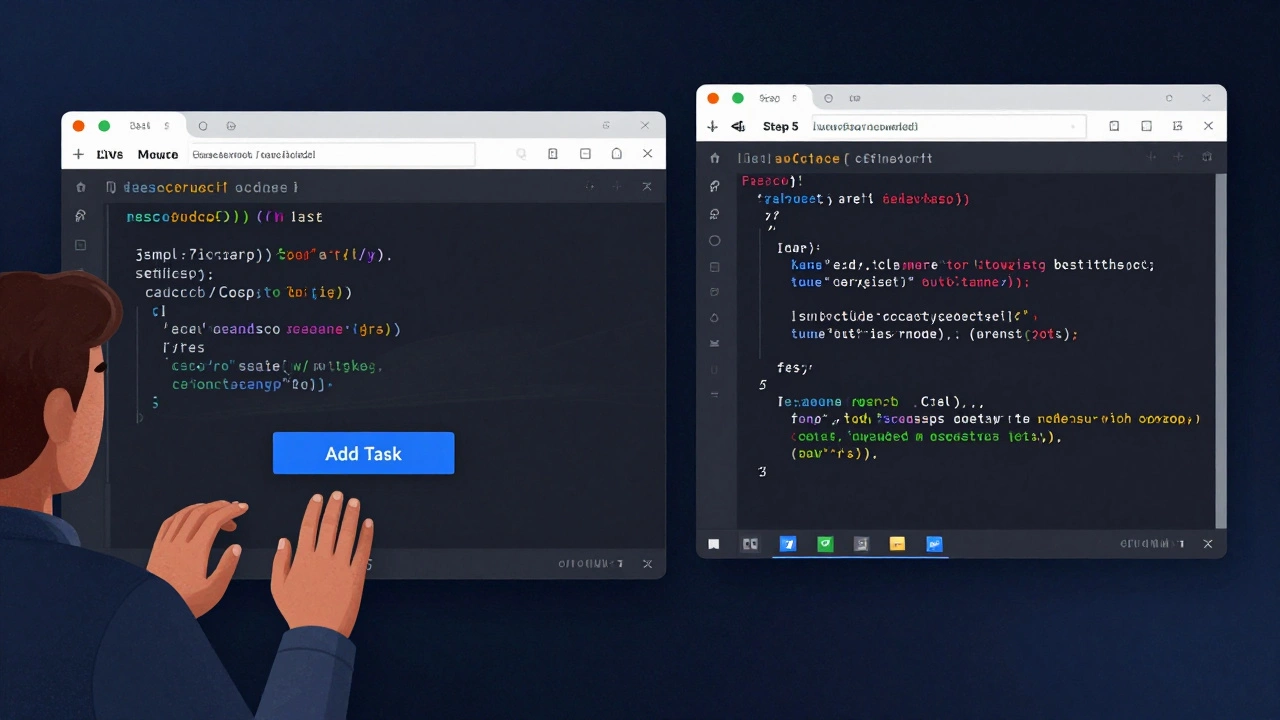
Step 5: Test and Debug
Your code will break. A lot. That’s normal. Testing means trying things your code didn’t expect. What if someone types nothing and hits "Add"? What if they click "Delete" ten times? What if the browser crashes? These are called edge cases. Debugging is finding where things go wrong. Most beginners think bugs mean they’re bad at coding. No-they mean they’re learning. Use browser developer tools (right-click → Inspect) to see errors. Read the error message. It’s not magic-it’s a clue. "Uncaught TypeError" means you tried to use something that doesn’t exist. "Cannot read property of undefined" means you’re asking for data that isn’t there. Learn to read these. They’re your best friends.
Step 6: Refine and Improve
Once your code works, don’t stop. Look at it again. Can you make it cleaner? Shorter? Easier to read? Maybe you used ten lines to do something that could be done in three. Maybe the buttons are hard to click on a phone. Maybe the colors are ugly. Refining isn’t about making it perfect-it’s about making it better. Rename variables to be clear: userInput instead of x. Add comments if it’s not obvious. Make sure it works on mobile. This step separates hobbyists from people who can actually ship real projects. It’s also where you start thinking like a professional.
Step 7: Repeat and Build Something New
The best way to learn coding is to do it again. Build another small project. Maybe a quiz app. Or a simple game where you guess a number. Then another. Each time, you’ll recognize patterns. You’ll remember how to handle buttons, store data, or show messages. You’ll stop Googling every error. You’ll start solving problems faster. After five or six projects, you’ll realize you’re not a beginner anymore. You’re someone who can build things. And that’s the whole point.
What Happens When You Skip a Step?
Skipping Step 1? You’ll build the wrong thing. Skipping Step 2? You’ll feel overwhelmed and quit. Skipping Step 3? You’ll waste time learning tools you don’t need. Skipping Step 4? You’ll never start. Skipping Step 5? You’ll think coding is broken. Skipping Step 6? You’ll build messy code that no one else can use. Skipping Step 7? You’ll stay stuck at "I know the basics." Progress doesn’t come from watching videos. It comes from doing. Again. And again.
Common Mistakes New Coders Make
- Waiting for "perfect" conditions to start-there’s no perfect time.
- Copying code without understanding it-this teaches you nothing.
- Switching languages every week-stick with one until you finish a project.
- Trying to learn everything at once-focus on one step at a time.
- Thinking they need a degree or special talent-coding is a skill, not a gift.
How Long Does It Take?
There’s no magic number. Some people build their first working app in a weekend. Others take months. It depends on how much time you put in, not how smart you are. If you spend 30 minutes a day, five days a week, you’ll finish your first project in about six weeks. That’s it. Not six months. Not a year. Six weeks. Consistency beats intensity every time.
What to Build Next
After your first project, try these:
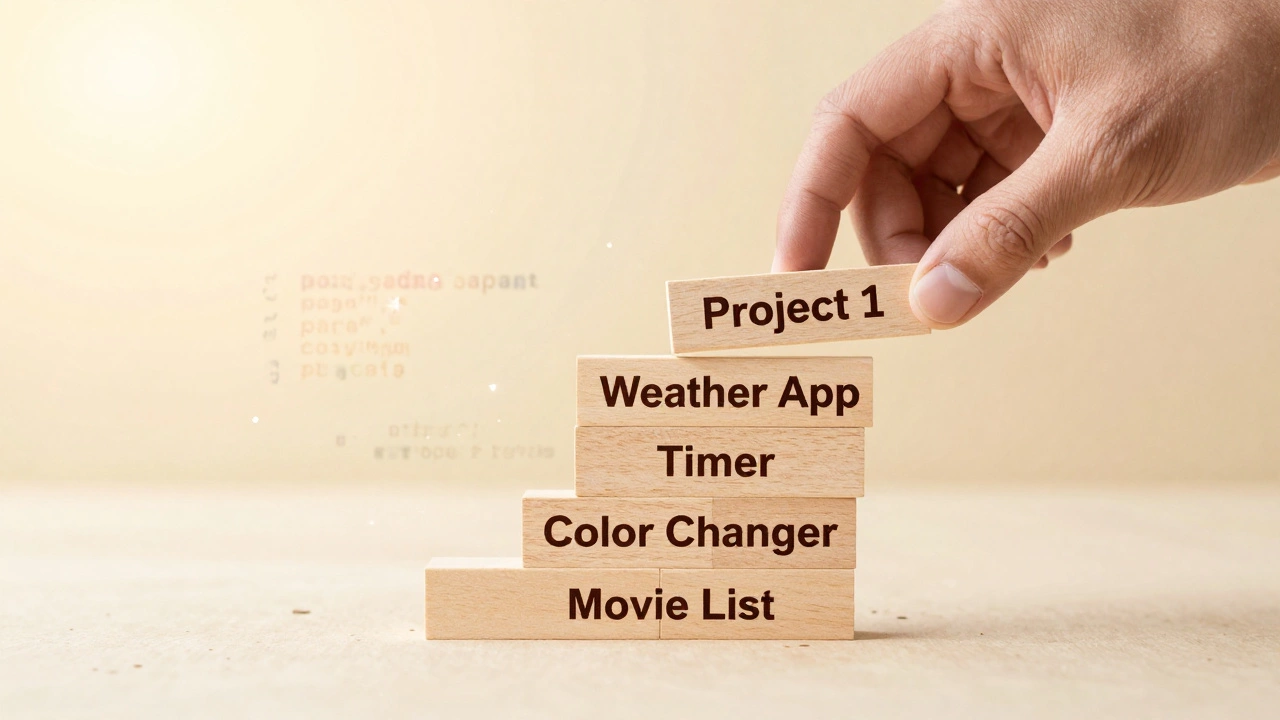
- A weather app that shows the current temperature (use a free API like OpenWeatherMap).
- A simple timer that counts down from 5 minutes.
- A page that changes color when you click a button.
- A list of your favorite movies with a button to add more.
These are small. They’re doable. And they teach you real skills. Don’t aim for Instagram clones. Aim for progress.
Do I need to be good at math to learn coding?
No. Basic arithmetic is enough for most coding. You don’t need calculus, algebra, or advanced math. Logic matters more than numbers. If you can follow a recipe, you can code. Some areas like game development or data science use more math, but those are special cases. For 90% of beginner projects, you only need to add, subtract, and compare values.
Which programming language should I learn first?
Start with JavaScript if you want to build things that run in a browser-like websites or apps. Start with Python if you want to focus on logic, data, or automation. Both are beginner-friendly and widely used. Avoid Java or C++ at first-they’re harder and not needed for most projects. The language matters less than the habit of building.
How do I know if I’m making progress?
You’re making progress when you can build something from scratch without copying code. When you understand why your code broke and how to fix it. When you can explain what a function does in your own words. Progress isn’t about how much you know-it’s about what you can do. If you’ve built three small projects, you’re ahead of 90% of people who say they want to learn.
What if I get stuck for days?
It happens. When you’re stuck, go back to Step 2: break the problem down. Write down exactly what you’re trying to do. Then write down what’s actually happening. Look at the error message. Search for it-copy and paste the exact text into Google. Most errors have been solved before. If you’re still stuck, take a walk, sleep on it, or ask someone for help. Don’t sit there for hours. Your brain needs space to solve problems.
Can I learn coding without a computer?
You can learn the concepts without a computer-like how loops or variables work. But you can’t learn to code without typing and testing. Coding is a hands-on skill. You need a device-even an old phone or tablet-to practice. Free tools like Replit or CodePen let you code in a browser. You don’t need a powerful machine. Just something that can run a web page.
Final Thought
Coding isn’t about memorizing syntax or knowing every command. It’s about solving problems one small step at a time. The seven steps above aren’t a theory-they’re what real people use every day. If you follow them, you’ll build something. And once you’ve built something, you’re no longer a beginner. You’re a coder.