eLearning Setup Checker
Check Your eLearning Setup
Ensure you have the right hardware and internet connection to succeed in your online courses.
Hardware Requirements
Internet Requirements
Starting an eLearning course isn’t just about clicking a link and watching videos. It’s about having the right setup, mindset, and support in place - or it won’t work. Many people think eLearning means you just need a laptop and Wi-Fi. That’s only the beginning. If you’ve ever started an online course and quit after a week, you know why. It’s not laziness. It’s usually missing pieces.
Hardware You Can’t Skip
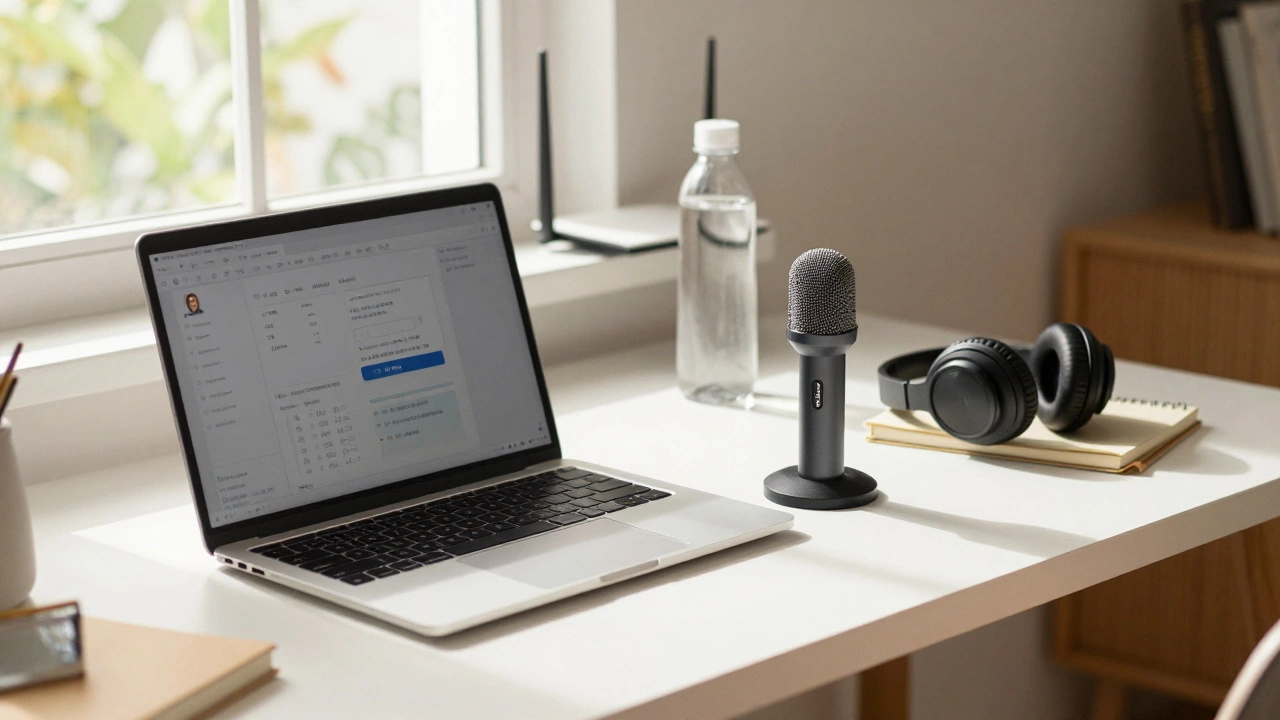
You don’t need the most expensive gear, but you do need reliable tools. A laptop or tablet with at least 4GB of RAM and a modern processor (Intel i3 or AMD equivalent) handles most eLearning platforms fine. Chromebooks work for basic courses, but if you’re doing video editing, coding, or live group sessions, you’ll hit limits fast.
A good webcam and microphone matter more than you think. If you’re in a group discussion and your audio cuts out or your face is blurry, you’re not just being rude - you’re missing out on feedback, participation grades, and peer connections. A $30 USB microphone like the Fifine K669 makes a huge difference. Built-in laptop mics? Often too quiet or pick up keyboard noise.
Headphones aren’t optional. They block background noise and help you focus. Even basic ones with a mic improve call quality. If you’re taking classes from home with kids or roommates around, noise-canceling headphones aren’t a luxury - they’re a necessity.
Internet Connection That Actually Works
Most platforms say you need ‘stable internet.’ That’s vague. What does stable mean? For video streaming, you need at least 5 Mbps download speed. For live video calls with multiple participants, aim for 10 Mbps. Upload speed matters too - if you’re submitting videos or joining Zoom sessions, 2 Mbps minimum. Anything less and you’ll buffer, drop out, or get kicked off.
Wi-Fi is fine, but wired Ethernet is better. If your router is in another room, signal strength drops. Use a Wi-Fi extender or move closer. If you’re in an apartment building with 20 people on one network, you’re fighting for bandwidth. Consider a mobile hotspot as backup - some providers offer unlimited data plans for under $30/month.
Test your connection before your first class. Sites like speedtest.net give you real numbers. If your ping is over 100ms, expect lag. If your jitter is above 30, your audio will sound robotic.
Software and Platforms You Need
eLearning platforms like Moodle, Canvas, Blackboard, or Google Classroom are the backbone. But you also need supporting tools. Most courses use:
- Zoom or Microsoft Teams for live sessions
- Google Drive or OneDrive for file sharing
- Notion or Google Docs for note-taking
- Grammarly or Hemingway for writing assignments
- PDF readers like Adobe Acrobat or Foxit
Don’t install every app you see. Pick one note-taking tool and stick with it. Too many tools = clutter = confusion. Most platforms integrate with Google Workspace or Microsoft 365 - so if you already have an account, use that. No need to create five new logins.
Browser choice matters too. Chrome and Edge work best with most eLearning platforms. Safari is fine on Mac, but some plugins don’t load. Firefox? Often blocked by institutional systems. Stick with what your school or provider recommends.
Learning Environment That Keeps You Focused
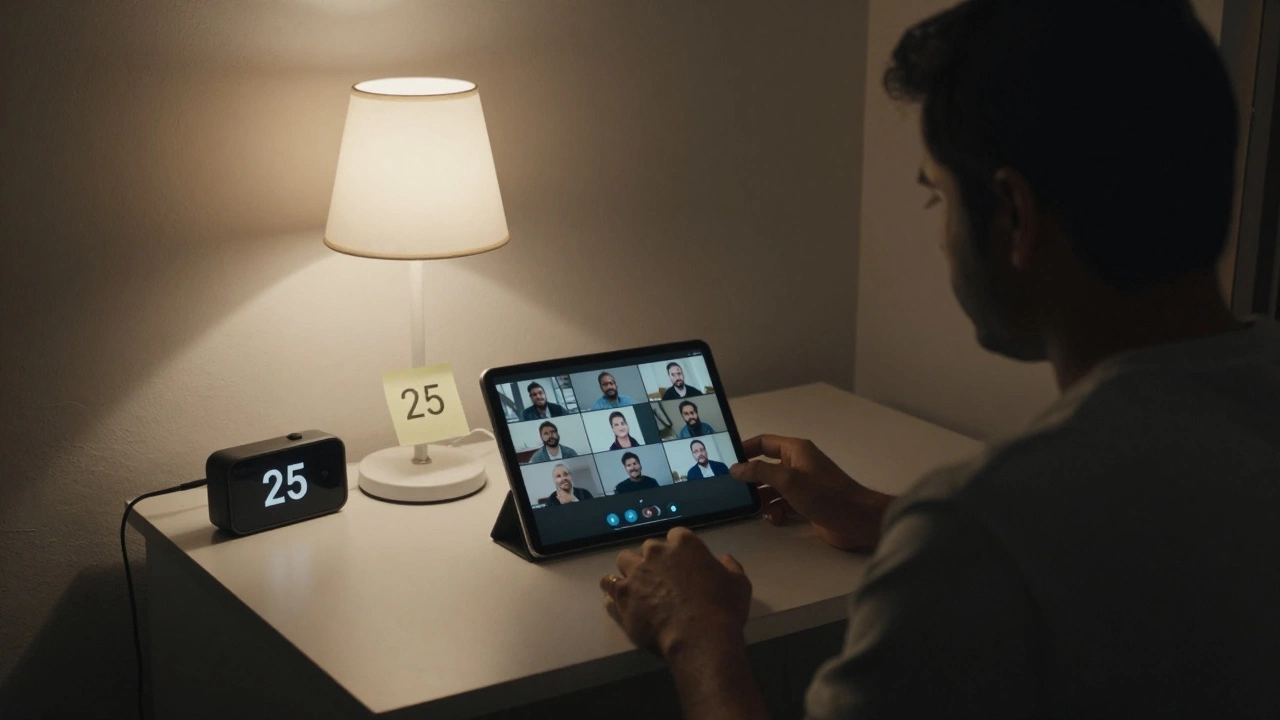
Your physical space is part of the system. You can’t learn well if you’re sitting on your bed with your phone buzzing every 2 minutes. Find a quiet corner - even if it’s just a desk in your room. Make it your ‘learning zone.’
Keep it clean. A cluttered desk = a cluttered mind. Have your charger, notebook, water bottle, and headphones ready. No need to get up mid-lecture. Use a timer. Try the Pomodoro method: 25 minutes focused, 5 minutes break. It works better than you think.
Lighting matters. Natural light is best. If you’re studying at night, use a soft white lamp. Avoid harsh overhead lights. Glare on your screen makes your eyes tired. Position your monitor so windows aren’t behind you.
Time Management and Discipline
This is where most people fail. Online learning gives you freedom - and freedom without structure leads to procrastination.
Create a weekly schedule. Block out time for classes, assignments, and review. Treat it like a job. If your course runs Monday to Friday, 9 AM to 11 AM - be there. Set calendar reminders. Sync them with your phone.
Don’t wait until the last minute to watch videos. Download them if possible. Many platforms let you save content for offline viewing. That way, if your internet goes down, you’re not stuck.
Track your progress. Most platforms have dashboards showing completed modules. Check them weekly. If you’re two weeks behind, you’re not going to catch up. Ask for help early. Instructors can’t read your mind.
Support Systems That Keep You Going
eLearning can feel lonely. You don’t have classmates walking into class with you. You don’t see their faces. That isolation kills motivation.
Find your people. Join course forums. Start a study group on WhatsApp or Discord. Talk to others who are taking the same class. Even one connection makes a difference.
Know where to get help. Most platforms have a help desk, a FAQ page, or a tech support email. Bookmark them. Don’t wait until the day before a deadline to ask how to upload a file.
Parents, employers, or roommates need to understand your schedule. Tell them when you’re in class. Ask them not to interrupt. If you’re juggling work and study, be upfront about your limits. Saying no is part of success.
What Most People Forget
There’s one thing no checklist mentions: your mental state. Online learning demands self-awareness. If you’re stressed, tired, or overwhelmed, no app or tool will fix that.
Take breaks. Walk outside. Drink water. Sleep. If you’re pulling all-nighters to finish assignments, you’re hurting your retention. Studies show sleep improves memory consolidation - especially for complex topics.
Don’t compare yourself to others. Some people finish fast. Others take longer. That’s normal. Focus on your pace. Progress, not perfection.
What Doesn’t Matter
You don’t need a new laptop every year. You don’t need a fancy camera. You don’t need to be tech-savvy. You don’t need to join every social media group for your course. You don’t need to be online 24/7.
What you need is consistency. Show up. Do the work. Ask questions. That’s it.
Do I need to buy expensive software for eLearning?
No. Most eLearning platforms use free tools like Google Docs, Zoom, and Moodle. Paid software like Adobe Creative Suite or MATLAB is only needed for specific courses like design or engineering. Always check your course syllabus first. Your school may provide free licenses.
Can I use my phone for eLearning?
You can watch videos or read materials on your phone, but it’s not ideal for assignments, live classes, or typing essays. Small screens make reading PDFs hard. Typing on a touchscreen is slow. Use your phone as a backup - not your main device.
What if my internet is slow or unreliable?
Download course videos when you can. Use offline modes in apps like YouTube or Moodle. Some platforms let you submit assignments via email if the system is down. Keep a mobile hotspot ready. Talk to your provider about low-income internet plans - many offer $10/month options.
How do I stay motivated in an online course?
Set small goals. Finish one module this week. Join a study group. Reward yourself after completing tasks - a walk, coffee, or an episode of your favorite show. Track your progress visually. Seeing how far you’ve come keeps you going.
Is eLearning as good as in-person learning?
It can be. The quality depends on your effort, not the format. Students who show up, ask questions, and stay organized do well - whether they’re in a classroom or at home. The difference isn’t the platform. It’s the mindset.
If you’ve got the basics - a working device, decent internet, a quiet space, and a schedule - you’re already ahead of most people who start online courses. The rest? That’s up to you.